
Global search
Press Cmd/Ctrl + K from anywhere to open search. It runs a full-text search over the motions you can see across all your workspaces — matching on both the summary and the body — so you don’t need to be in the right workspace first. Threads are searchable too.- Recent motions appear as a zero-state before you type, so a one-keystroke jump to something you touched recently is always one shortcut away.
- Matches are highlighted in the results, in the title and in a snippet of the matching body text.
- Navigate with the keyboard: arrow keys move the selection, Enter opens the highlighted motion, Esc closes search.
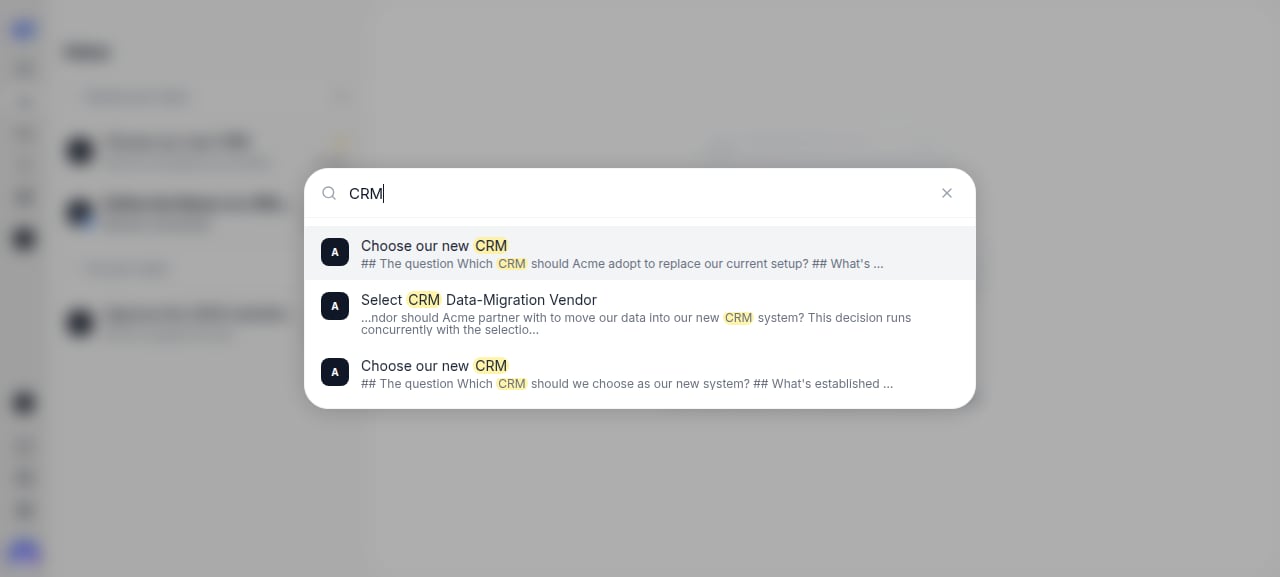
Global search (Cmd/Ctrl+K) with full-text matches highlighted.
Keyboard shortcuts
Single-key shortcuts are ignored while you’re typing in a text field, so they never get in the way of writing. The combinations that use Cmd/Ctrl work everywhere, mid-sentence included. The same list lives in the app, under Settings → Keyboard Shortcuts. Anywhere
In a list, or on a motion
While writing
A workspace’s motion list
Click a workspace in the sidebar (or go tomonnet.ai/your-slug) to open its full motion list — every motion in that workspace, not just the ones needing your attention. Threads appear in Drafts, not Motions. This is where you find closed or older motions the inbox no longer surfaces.
Two filter chips narrow the list:
- Status — All, Draft, Open, or Closed.
- Priority — Critical, Normal, Low (you can select more than one).
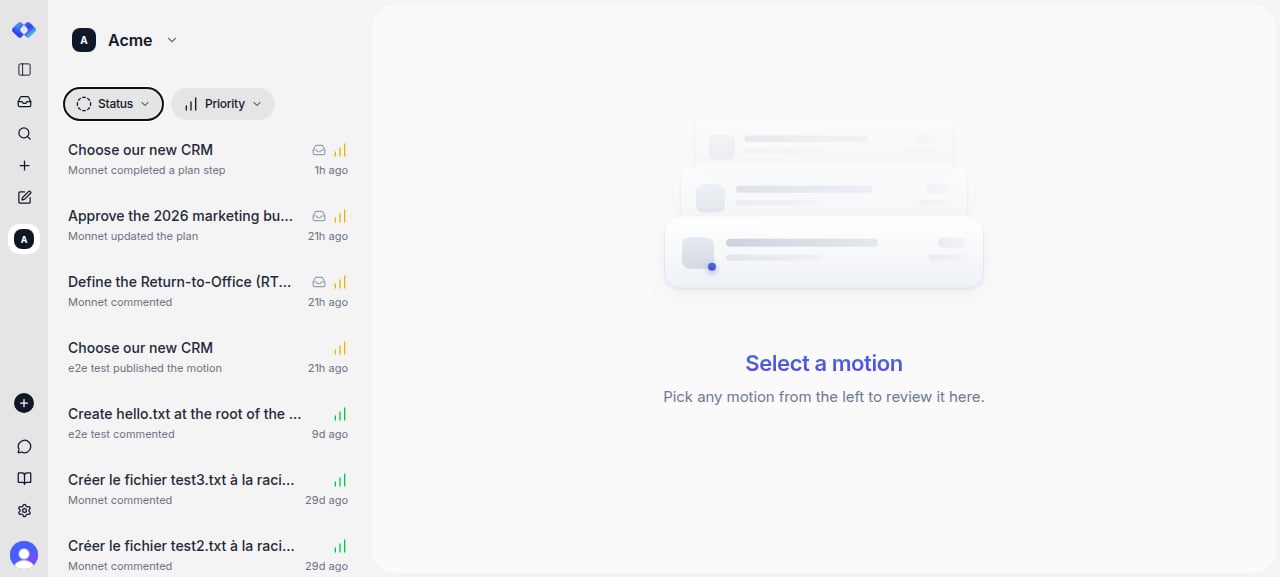
A workspace's motion list with the Status and Priority filter chips.
Drafts
The Drafts entry in the sidebar collects threads and motions you haven’t kicked off across all your workspaces in one feed, so you can pick one back up. You can also return to a thread from Recents or search.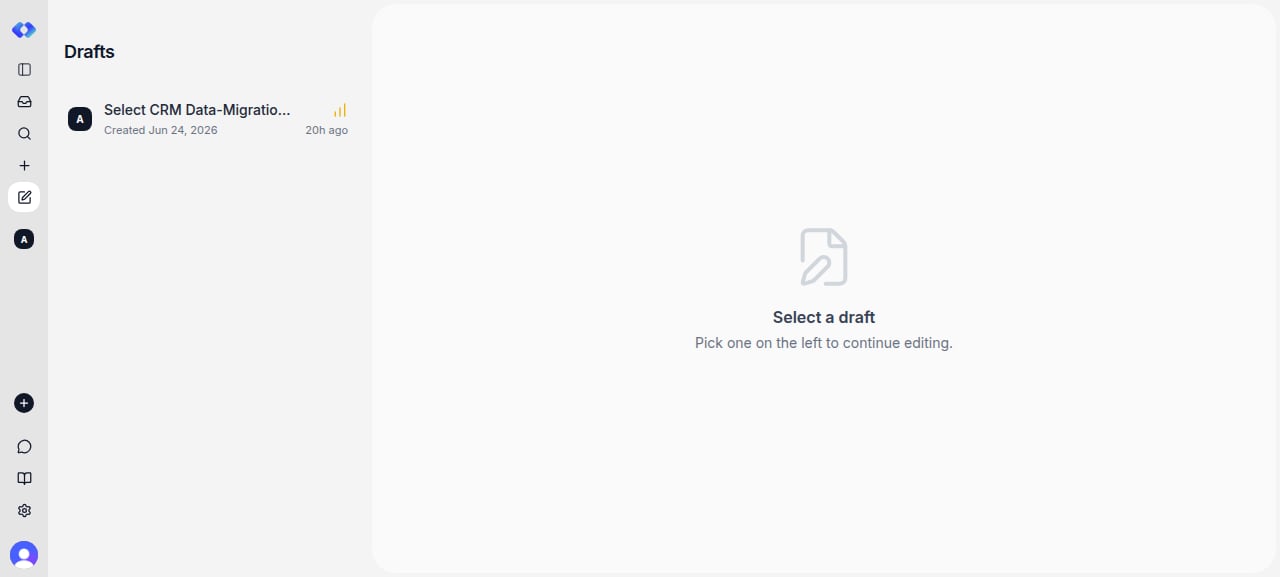
The Drafts feed — threads and motions you haven't kicked off, ready to resume.
Three surfaces, three scopes — don’t confuse them:
- Inbox — what needs you, across all workspaces.
- A workspace’s motion list — motions in one workspace, filterable by status and priority.
- Drafts — threads and motions you haven’t kicked off, across all workspaces.